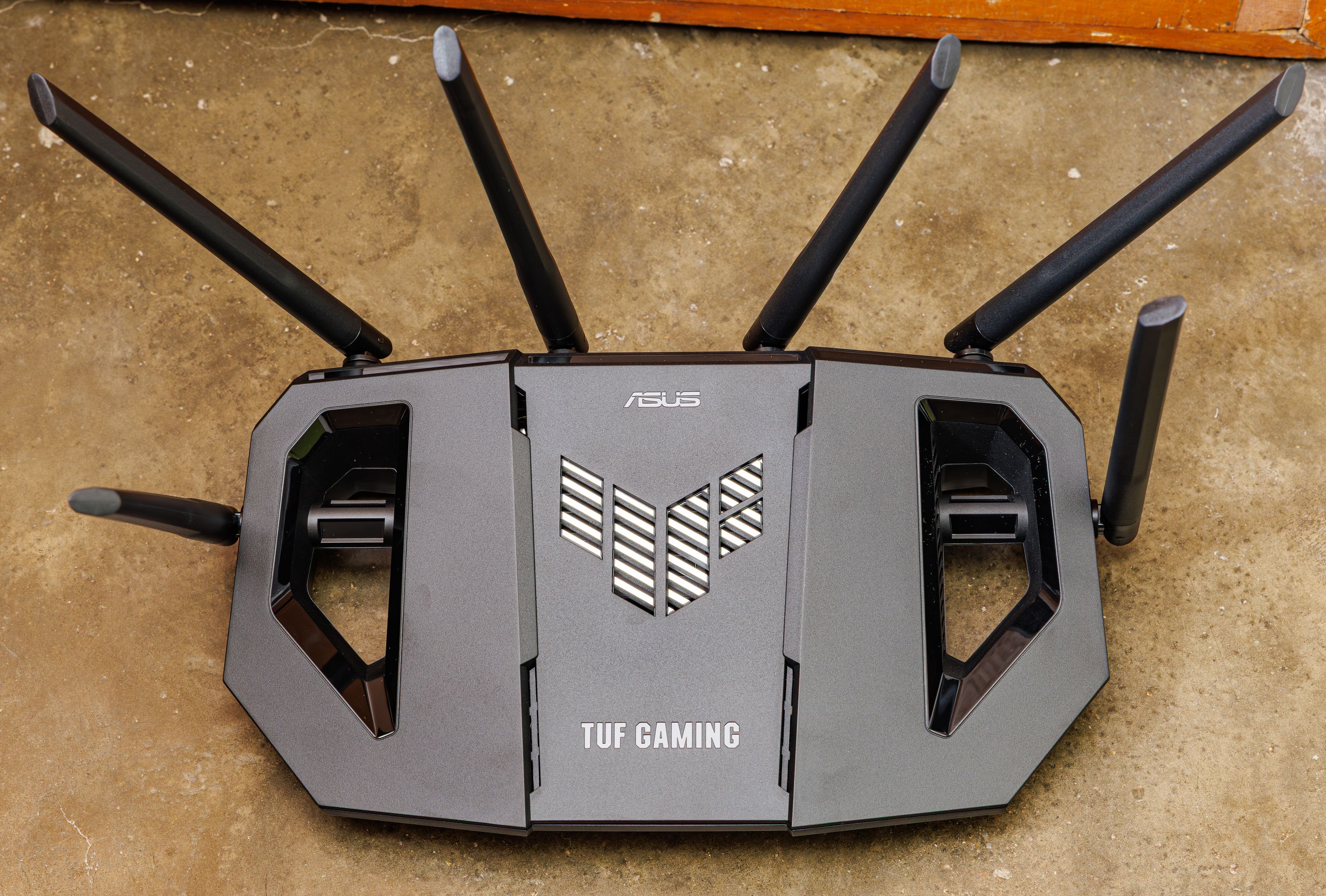
The short answer: it only helps if your router and your devices both support it. If you game online, stream in 4K, or spend your working day on video calls, it is worth considering now. If your current Wi-Fi already feels fine, there is no rush to replace a working router.
Your Wi-Fi router is the gadget everything in the house depends on, and the one most people think about least. Phones are replaced every two or three years; the small box in the corner often stays put for six, seven, even ten. So when a new Wi-Fi generation arrives, the real question is not "is it faster?" but "will I feel the difference — and is it worth the money?"
Wi-Fi 7 is the newest generation of Wi-Fi, and it is not a promise about the future: certified devices have been on sale since 2024. Here is what changed, what it means in everyday use, and who should upgrade now — and who should wait.
What is Wi-Fi 7?
Wi-Fi 7 is the consumer name for the IEEE 802.11be standard, officially called Extremely High Throughput (EHT). It succeeds Wi-Fi 6 and Wi-Fi 6E (both based on 802.11ax). The Wi-Fi Alliance, the industry group that certifies Wi-Fi products, launched its Wi-Fi CERTIFIED 7 programme on 8 January 2024, and the IEEE formally approved the amendment later that year, in September 2024.
That certification is what makes Wi-Fi work in the real world: a router from one brand and a phone from another only use the new features properly if both were tested against the same standard. Wi-Fi 7 works across the same three bands as Wi-Fi 6E — 2.4, 5 and 6 GHz — and is fully backward compatible, so older devices still connect, just no faster. The new speeds only switch on when both ends of the connection speak Wi-Fi 7.
The three big changes
Wi-Fi 7 is not one new trick. It is three improvements that add up to a much more capable network, especially in a busy home where dozens of devices are online at once. (Wi-Fi 7 also doubles the maximum spatial streams from 8 to 16 and adds smarter ways to share crowded spectrum, which is how the theoretical top speed gets so high.)
1. Wider channels: 320 MHz
Think of a Wi-Fi channel as a road: the wider the road, the more traffic can move at once. Wi-Fi 6 and Wi-Fi 6E topped out at channels 160 MHz wide. Wi-Fi 7 doubles that to 320 MHz — but only in the 6 GHz band, the only band with enough free spectrum for channels that wide. Doubling the width roughly doubles the data a single connection can carry, and it is the biggest reason Wi-Fi 7's headline speed is so much higher than Wi-Fi 6's.
The catch: the 6 GHz band is not open for Wi-Fi in every country, and its range through walls is shorter than 5 GHz, so the widest channels work best in the same room as the router.
2. Denser data packing: 4K-QAM
QAM — quadrature amplitude modulation — is the technique Wi-Fi uses to pack data into each radio signal. Wi-Fi 6 used 1024-QAM, which carries 10 bits of data in every symbol. Wi-Fi 7 moves to 4096-QAM, known as 4K-QAM, which carries 12 bits per symbol — about 20% higher transmission rates, according to the Wi-Fi Alliance. The catch is signal quality: 4K-QAM only works close to the router with a clean, strong signal. Move to the far end of the house, and the connection quietly drops back to simpler modulation, exactly as Wi-Fi 6 does.
3. Multi-Link Operation: using several bands at once
This is the most important new feature in Wi-Fi 7, and the one you are most likely to notice. Before Wi-Fi 7, a device could only connect to a router on one band at a time — 2.4 GHz or 5 GHz or 6 GHz. Multi-Link Operation, or MLO, lets a Wi-Fi 7 device hold links on two or more bands at the same time, and either send data over both at once or switch traffic instantly to whichever link is clearer.
The benefit is less about peak speed and more about consistency. If one band gets crowded, your video call or game can move to the cleaner band without dropping. That means fewer frozen frames, fewer stutters and lower, steadier latency. For anything live — gaming, video calls, cloud gaming, virtual reality — steadiness matters more than the top speed number on the box.
What it means in real life
The headline numbers sound dramatic: Wi-Fi 7's theoretical maximum is about 46 Gbps, roughly four to five times Wi-Fi 6's 9.6 Gbps — but that assumes 16 spatial streams, a 320 MHz channel and perfect conditions, which no real device reaches. A typical two-antenna phone or laptop, in the best conditions, reaches roughly twice the throughput of Wi-Fi 6, with lower and steadier latency. A big jump — just not the five-times figure on the box.
Gaming. Lower and steadier latency is the main win. MLO can keep your connection on the clearest band, which means fewer lag spikes at the worst moment — and the same applies to cloud gaming and VR headsets, which need high speed and very low latency at the same time. Wi-Fi 7 will not fix a slow internet connection or a game server on another continent, but it removes the home network as a source of lag.
Streaming and video calls. A 4K stream needs only about 25 Mbps, which even older Wi-Fi handles easily. The benefit of Wi-Fi 7 is headroom: four people streaming, calling and gaming at once, without anyone's picture freezing. And video calls are the most sensitive everyday use of Wi-Fi — a frozen frame or a robotic voice is instantly noticeable — so MLO's ability to switch bands in an instant is designed exactly for this.
Wi-Fi 7 vs Wi-Fi 6 and Wi-Fi 6E
Wi-Fi 6E is not a separate standard from Wi-Fi 6 — it is Wi-Fi 6 extended into the 6 GHz band. Wi-Fi 7 is the real next step:
- Standard: Wi-Fi 6 and 6E are 802.11ax; Wi-Fi 7 is 802.11be
- Bands: Wi-Fi 6 uses 2.4 and 5 GHz; Wi-Fi 6E and Wi-Fi 7 add 6 GHz
- Widest channel: 160 MHz for Wi-Fi 6/6E; 320 MHz for Wi-Fi 7 (6 GHz only)
- Modulation: 1024-QAM for Wi-Fi 6/6E; 4096-QAM (4K-QAM) for Wi-Fi 7
- Multi-Link Operation: not available on Wi-Fi 6/6E; standard on Wi-Fi 7
- Spatial streams: up to 8 for Wi-Fi 6/6E; up to 16 for Wi-Fi 7
- Theoretical top speed: about 9.6 Gbps for Wi-Fi 6/6E; about 46 Gbps for Wi-Fi 7
The catch: three things that limit Wi-Fi 7
First, both ends need Wi-Fi 7. A Wi-Fi 7 router does nothing for a Wi-Fi 6 phone — it connects at Wi-Fi 6 speeds, because that is all it knows. Your router and your main devices must all support the new standard, and if your devices are more than two or three years old, they almost certainly do not.
Second, your internet plan is usually the real limit. Wi-Fi is only the last few metres of the journey. Everything you do online still travels through the undersea cables that carry the internet between continents, then through your provider's network, and only then through your router. If your plan is 100 Mbps or 500 Mbps, even Wi-Fi 5 can deliver all of it. Wi-Fi 7 only changes internet speed when your plan is faster than 1 Gbps — or when you move large files between devices inside your own home.
Third, the 6 GHz band is not everywhere. The widest channels and the best Wi-Fi 7 performance depend on the 6 GHz band, and regulators in some countries have not opened it for Wi-Fi, or have opened only part of it. The signal also passes through walls less well than 5 GHz, so in a large house the fastest Wi-Fi 7 speeds may only be available in the same room as the router.
Should you upgrade now?
Upgrade now if:
- You have a multi-gigabit internet plan (faster than 1 Gbps) and your current router cannot deliver it over Wi-Fi
- You game online or use cloud gaming and VR, and lag spikes are a real problem
- Many people in your household stream, call and game at the same time, and the network struggles at peak hours
- You already own Wi-Fi 7 phones or laptops — the router is the missing piece
- Your current router is old, failing, or a basic model supplied by your internet provider
Wait if:
- Your internet plan is 1 Gbps or slower — your current Wi-Fi can already deliver all of it
- Your phones and laptops are more than a few years old and do not support Wi-Fi 7
- Your Wi-Fi already feels fast and reliable everywhere in your home
- You are happy with your current router and it is less than three years old
What you need: the checklist
If you do decide to upgrade, check these before you spend anything:
- A Wi-Fi 7 router — look for the official "Wi-Fi CERTIFIED 7" logo on the box, which means it passed the Wi-Fi Alliance's interoperability tests
- Wi-Fi 7 devices — at least your main phone and laptop should support Wi-Fi 7, or the new router will behave like your old one for them
- A fast internet plan — ideally faster than 1 Gbps, or the upgrade will not change your download speeds
- A multi-gigabit Ethernet port — the router needs a 2.5 Gbps or 10 Gbps WAN port, or a gigabit port will bottleneck the plan
- Good placement — out in the open, up high and near the centre of your home; even the best router cannot beat thick walls and a cupboard
- Tri-band support — a router with 2.4, 5 and 6 GHz bands gives MLO the most room to work
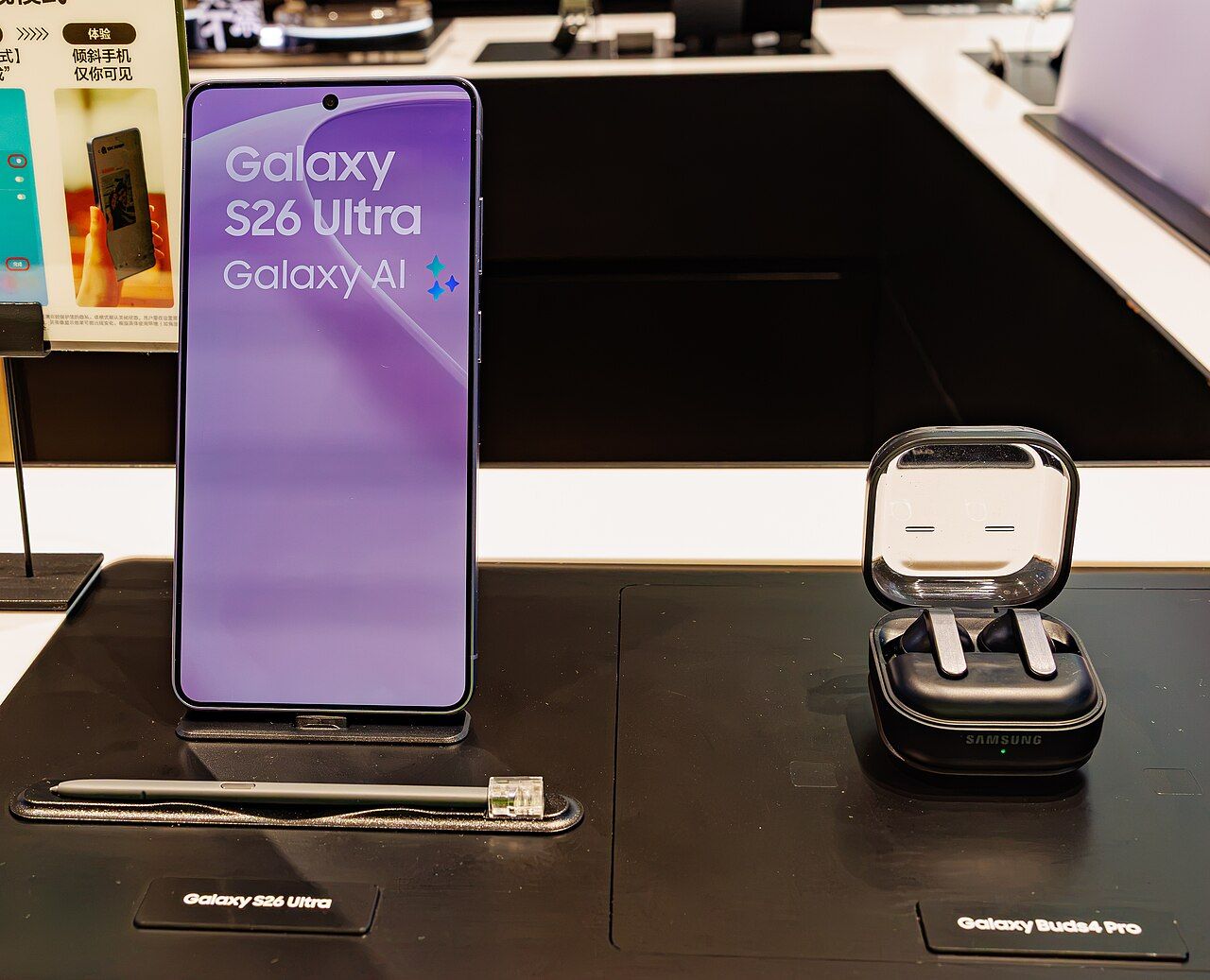
Phone makers are building Wi-Fi 7 into new devices as standard: Samsung is already testing its next software, One UI 9.5, on the Galaxy S26 series, and support is now common across flagship phones — so a phone you buy in the next year or two will very likely be Wi-Fi 7-ready, and your router will be the thing holding it back.
The bottom line
Wi-Fi 7 is not a gimmick. Wider channels, denser modulation and the ability to use several bands at once add up to a network that is faster at its best and, more importantly, steadier at its worst. That steadiness — fewer stutters, fewer frozen calls, fewer lag spikes — is the real reason to care.
But it only pays off as a system: a Wi-Fi 7 router, Wi-Fi 7 devices, and an internet plan fast enough to notice. If you have all three, or you are replacing an ageing router anyway, buy Wi-Fi 7 — there is no reason to buy Wi-Fi 6 in late 2026. There is no reason to wait for Wi-Fi 8 either: it is still a draft, not expected until around 2028. If your current setup feels fine, keep your money: routers will only get cheaper by the time your next phone arrives.


Comments (0)
Comments are reviewed before they appear on the site. Your email address is never shown publicly.
No comments yet — be the first to share your thoughts.