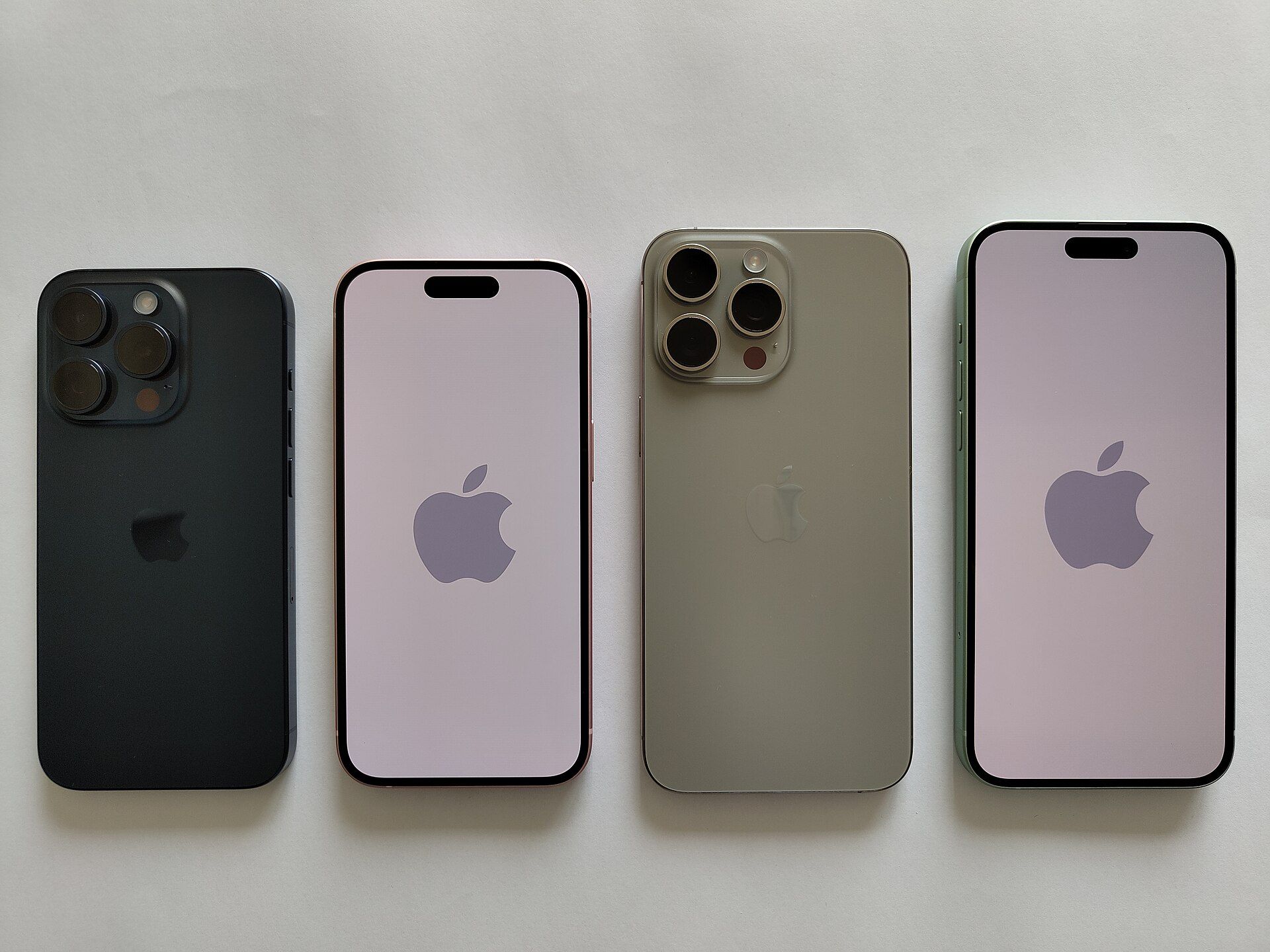
Apple's second public beta of iOS 27.3 is here — and it is a big one
Apple seeded the second public beta of iOS 27.3 on Thursday, November 19, 2026, for anyone in the free Apple Beta Software Program. It covers five platforms: iOS and iPadOS 27.3 (build 24C5049f), macOS Golden Gate 27.3 (26C5047e), watchOS 27.3 (24S5296d) and tvOS 27.3 (24K5298d). Developers also got revised iOS and iPadOS builds the same day, replacing the November 16 seeds — a fix for a configuration issue when pairing Siri AI with Apple's HomeView devices.
It redesigns Safari and Calendar, gives StandBy a new look, pushes Siri AI deeper into Apple's apps, and rebuilds Health around Apple Intelligence — but the headline features only work on the newest models, even though every iPhone from the iPhone 11 onward can install it.
The first developer beta arrived on November 3 and the first public beta on November 5; the finished version is expected in December, with no exact date announced. Here is what is in it, who gets what, and what to think about before installing.
Safari gets vertical tabs and a dark mode that adapts
The most visible change for most people is in Safari: a vertical tabs layout, so open tabs stack down the side of the screen instead of across the top, where horizontal tab bars run out of room fast on a tall phone. It also adds an adaptive dark mode that adjusts to each website, rather than forcing the same treatment on every page.
The same Safari changes are in macOS Golden Gate 27.3, which also brings Live Activities to Macs without a Dynamic Island and more granular privacy controls, according to iClarified. Safari is the app most iPhone owners open every day — a better tab layout is the kind of change you notice within an hour.
Siri AI can now read the page you are looking at
The biggest change under the surface is Siri AI, Apple's AI-powered version of Siri. Since the first iOS 27.3 beta, it has been able to take actions directly inside apps such as Calendar, Journal, Messages and Music, and developers can now create their own actions for Siri. The second beta goes further: Siri AI can read the entire webpage open in Safari and answer questions about it, and it can answer questions about your health data — steps, heart rate and activity rings. According to memeburn, Siri AI is also gaining language support, including Vietnamese, Traditional Chinese, Turkish and Norwegian.
That webpage reading has the most everyday potential: instead of switching between Safari and a search, you can ask Siri about the article in front of you. But there is a new catch: Siri AI now comes with daily limits, covered below.
The redesigned Health app — but only for newer iPhones
The redesigned Health app is the headline feature of iOS 27.3 — and the pickiest about hardware. It uses Apple Intelligence to turn your health data into personalised insights and advice, with a new Longevity section that estimates your Health Age — whether your body is, in Apple's terms, younger or older than your real age.
It only runs on iPhones that support Apple Intelligence: the iPhone 15 Pro and iPhone 15 Pro Max, the iPhone 16 models and later, the iPhone Air and the iPhone Duo. If you use a standard iPhone 15, an iPhone 15 Plus or older, you can still install iOS 27.3, but your Health app will not change. Even then, two features need an accessory: Health Age requires an Apple Watch, and the at-home VO2 max test needs an Apple Watch, AirPods Pro 3 or a third-party heart rate monitor, according to memeburn.
One caution: Apple put this same Health redesign into iOS 27.2 and pulled it before release, as memeburn points out. December will most likely hold this time, but until the finished software ships, the new Health app is not a certainty. If you are buying a phone for this feature, wait for the stable release.
iPhone Duo: unlock with your face, lock when you fold
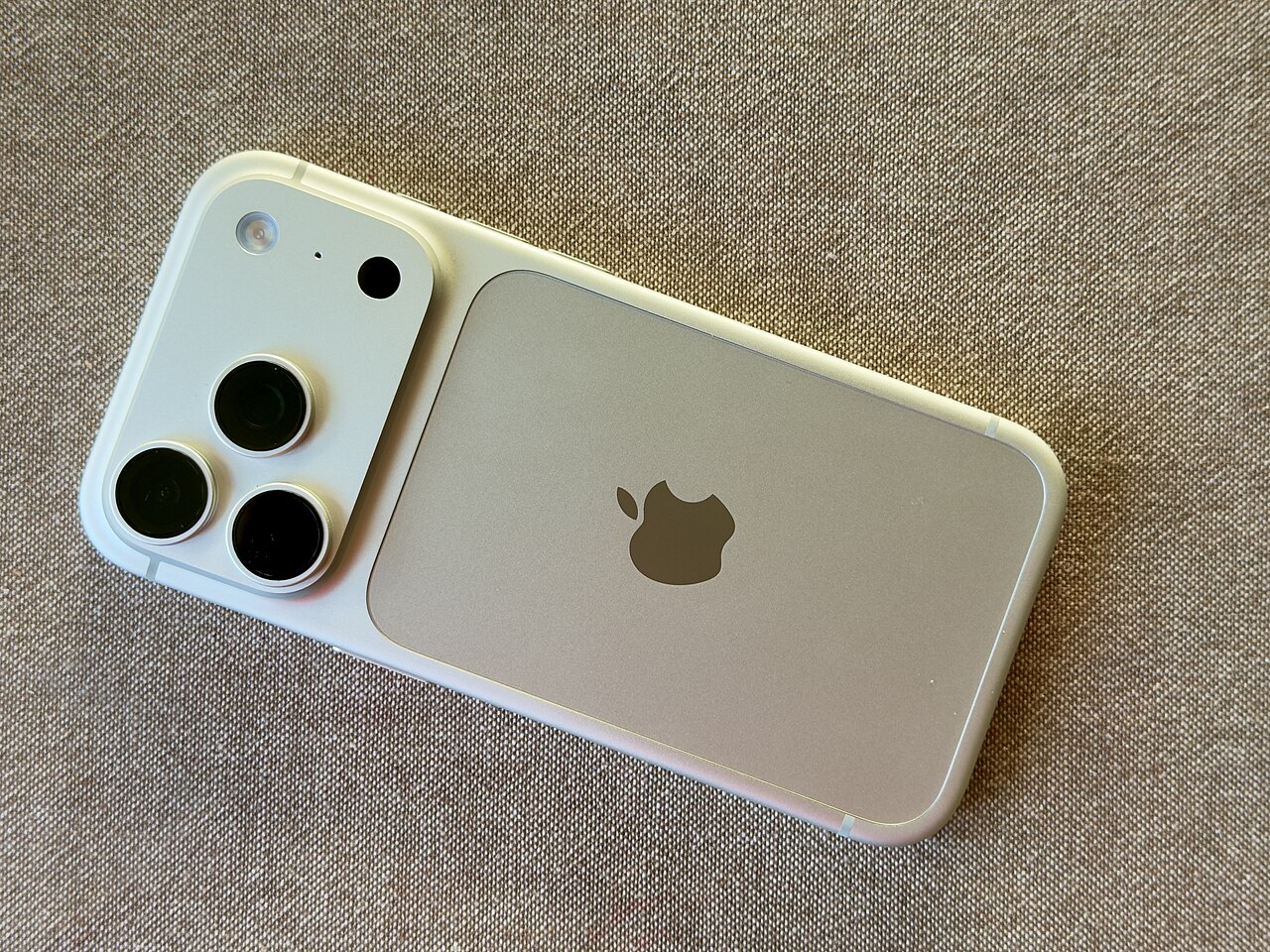
As Apple's newest hardware, the iPhone Duo gets the most features in this update. Above all Unlock with Front Camera, which lets you unlock the phone with your face through the camera on the outer display. It is deliberately limited: it only works while the phone is folded, it only runs if you have recently unlocked with Touch ID or your passcode, and it cannot be used for Apple Pay, passwords or app sign-ins — Touch ID is still required for those. It also gains a Close to Lock option and horizontal Reachability, which pulls content toward one edge of the outer screen.
The app situation for the Duo is changing quickly. Greg Joswiak, Apple's marketing chief, posted on X that more than 200,000 apps are now optimised for the iPhone Duo — double the "well over 100,000" figure Apple gave on November 6, or roughly 10,000 a day, according to memeburn's calculation. "Optimised" means the app was rebuilt with Apple's latest tools so it fills the inner display and places its toolbars correctly. Apple has not said how many popular apps are in that number, so check whether an app's App Store page carries the "Made for iPhone Duo" badge before counting on it. Both figures are Apple's and memeburn's numbers, not ours.
StandBy gets a redesign every iPhone can enjoy
The most visible change for older iPhones is StandBy, the mode that turns your iPhone into a bedside clock when you set it on its side to charge. In iOS 27.3, Apple brings the analogue and digital clock faces originally made for the iPhone Duo to every iPhone that can run the update, along with new Calendar and Weather faces, custom colours, information tiles around the clock, and the option to save several styles and swipe between them. On iPhones without an always-on display, StandBy still turns off after a while, so the new faces are worth more on models that keep the screen lit.
Siri AI now comes with a daily limit — and a way to buy more
The daily limits are the most surprising part of this beta, because they put a price on something that used to feel free. According to Apple's support document, as reported by memeburn, each iPhone, iPad and Mac gets its own daily allowance for heavy AI features — Siri AI, the Clean Up photo tool, Image Playground and server-based AI in Shortcuts — resetting around midnight in your time zone. Simple requests such as timers and alarms keep working after you hit the limit. To use more, you need a paid iCloud+ plan, although the higher allowance does not apply to Siri AI in the UK, Brazil, South Korea or the EU, where memeburn reports Siri AI is not yet available on the iPhone.
How much extra? Memeburn worked it out from Apple's support document and US prices: 200GB at $2.99 a month doubles the allowance, 2TB at $9.99 gives five times, 6TB at $29.99 ten times, and 12TB at $59.99 twenty times. The 50GB plan adds nothing. On memeburn's calculation, the 200GB plan is also the cheapest per multiple, at about $1.50 — half the rate of the two most expensive plans. But that depends on a number Apple has not published: how big the free allowance is. If it is generous enough for normal use, most people will never need to pay more — so wait and see before changing your plan.
What else is in the beta
Around the headline features, the second beta adds smaller changes. The Calendar app is redesigned, with search and new-event controls moved to the bottom of the screen, where your thumb already rests. Apple Music gains Selfie Sing, a karaoke-style feature, and the TV app is testing a free video podcasts section that needs no subscription to Apple's streaming service. On the Apple Watch Series 12 and Ultra 4, watchOS 27.3 is testing Live Rewind, which transcribes the last 15 seconds of speech, and Siri Recap, a summary of conversations through the day.
Who gets what
iOS 27.3 splits iPhone owners into three groups. Every iPhone from the iPhone 11 onward gets the new StandBy faces, Safari vertical tabs and adaptive dark mode, the redesigned Calendar, Selfie Sing and the free video podcasts section — nothing extra to buy.
iPhones with Apple Intelligence — the iPhone 15 Pro and 15 Pro Max, iPhone 16 models and later, iPhone Air and iPhone Duo — get all of that, plus the redesigned Health app and the full Siri AI features, including webpage reading and health questions. Health Age needs an Apple Watch on top of that.
iPhone Duo only gets front-camera face unlock, Close to Lock, horizontal Reachability and Attention Aware controls. If you use a standard iPhone 15 or an older model, this December you get a StandBy update, not a Health update.
How to install the public beta — and why you should back up first
If you are already testing the public beta, open Settings, then General, then Software Update. To join, back up your iPhone, then enrol in the free Apple Beta Software Program with the Apple Account on your device. In Settings, then General, then Software Update, then Beta Updates, choose iOS 27 Public Beta — the download should then appear. The same path works on iPad; on Mac it is under System Settings, then General, then Software Update.
Backing up is not a formality: beta software can contain bugs, drain the battery faster than usual, and in rare cases cause data loss. Going back to the stable release means restoring from a backup made before you installed the beta, so make that backup before you start. The beta suits people comfortable with that risk, or with a second phone. For everyone else, wait for December.
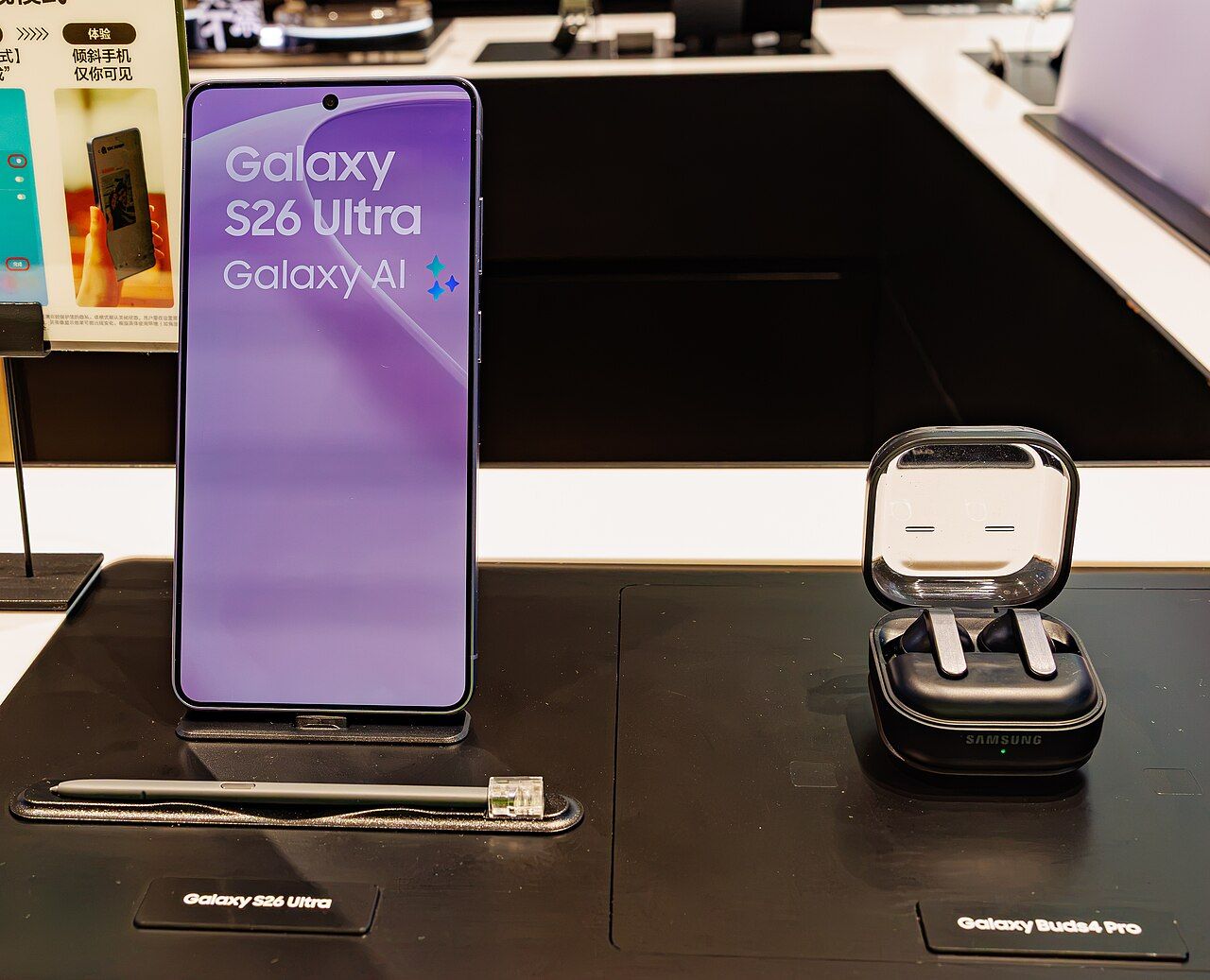
Apple is not the only company running a public beta season right now. Samsung has opened its One UI 9.5 beta for the Galaxy S26 series, with a long-awaited App Lock and better camera controls — but only three phones and six countries get it first. Samsung is gating its update by phone model and country, while Apple is gating its biggest features by chip.
What is still uncertain
A beta is a preview, not a promise. Apple has said the finished updates will launch in December, with no exact date announced, and one more beta round is likely first. Features can be changed, delayed or cut — the Health app's history in iOS 27.2 is the clearest reminder. The free daily Siri AI allowance is unpublished, so nobody can yet say whether normal use will hit the limit, and the iCloud+ prices above are in US dollars. Expect bugs and shorter battery life too.
What is certain is the direction. Apple is rebuilding Siri into something that works inside your apps and reads what you are reading, rebuilding Health around AI advice, and — for the first time — putting a meter on how much of that AI you can use for free. Whether that meter stays generous or becomes a reason to pay is the question this beta will answer. And if you need a break from update notes, GTA 6's launch day smashed records with a 99 on Metacritic.
Sources & Further Reading
- MacRumors — "Second iOS 27.3 and macOS Golden Gate 27.3 Public Betas Now Available" (November 19, 2026) | https://www.macrumors.com/2026/11/19/ios-27-3-public-beta-2/
- iClarified — "Apple Releases Second Public Betas of iOS 27.3, macOS 27.3, and More" (November 19, 2026) | https://www.iclarified.com/103695/apple-releases-second-public-betas-of-ios-273-macos-273-and-more
- memeburn — "What's New in the iOS 27.3 Beta, and What Will Your iPhone Get?" (November 20, 2026) | https://memeburn.com/whats-new-in-the-ios-27-3-beta/
- 9to5Mac — "Apple releases iOS 27.3 public beta 2, new developer beta 2 build" (November 19, 2026) | https://9to5mac.com/2026/11/19/apple-releases-ios-27-3-public-beta-2-heres-whats-new/
- Apple Beta Software Program — enrol and install public betas | https://beta.apple.com



Comments (0)
Comments are reviewed before they appear on the site. Your email address is never shown publicly.
No comments yet — be the first to share your thoughts.