Samsung's next software update is here — but only for three phones
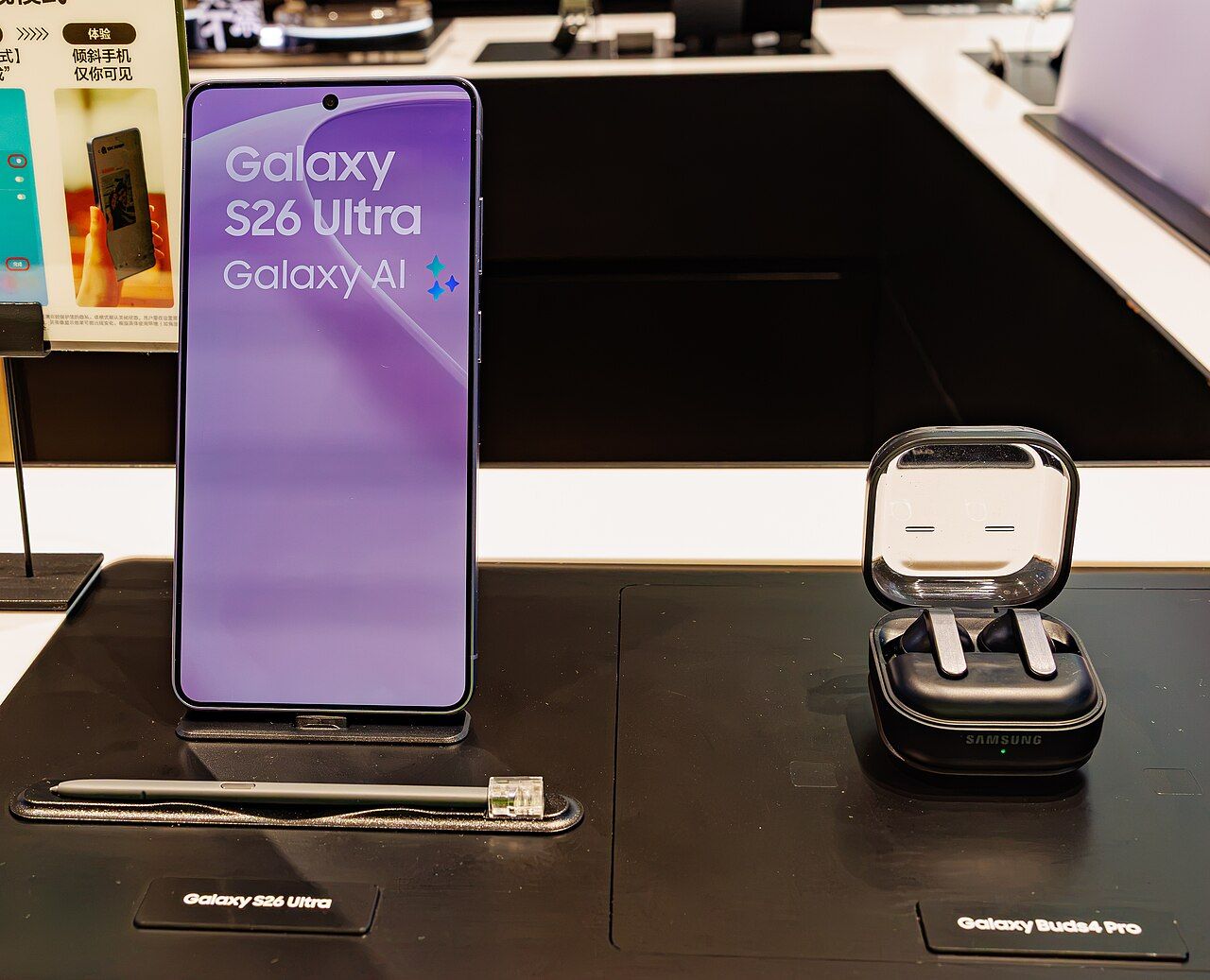
Samsung has opened the beta programme for One UI 9.5, the next version of the software that runs on its Galaxy phones. The beta, announced on November 18, 2026, is available first to owners of the Galaxy S26 series — the Galaxy S26, the Galaxy S26+ and the Galaxy S26 Ultra — in six countries. Everyone else will have to wait.
One UI is Samsung's version of Android. The Galaxy S26 series was announced on February 25, 2026, at Samsung's Galaxy Unpacked event and released on March 11, 2026, launching with Android 16 and One UI 8.5 before moving to Android 17 and One UI 9.0. One UI 9 began rolling out to the S26 series in late September 2026, less than two months ago, and One UI 9.5 is the half-step that follows: not a redesign, but a bundle of new features on the same Android 17 base.
The headline addition is one Galaxy owners have been asking Samsung for for years: a way to lock individual apps. There are also better camera controls, new health tools, and smaller improvements to the lock screen, multitasking and accessibility. Here is what is actually in the update, who can get it, and what to think about before installing beta software on the phone you use every day.
App Lock: the feature Galaxy owners have wanted for years
The biggest change in One UI 9.5 is App Lock, and it is simple to explain: you can now lock any app on your phone behind your fingerprint, your face, or your PIN, pattern or password. When an app is locked, it will not open without that check — even if the phone itself is already unlocked.
That last part is the point. Until now, the only way to protect a single app on a Galaxy phone was to move it into Secure Folder, Samsung's separate, locked area of the phone, which meant the app lived in two places at once and behaved differently from the rest of your apps. Apple added per-app locking to the iPhone with iOS 18 in 2024, and other Android makers have offered their own versions for years. Samsung, which sells more phones than any other Android maker, never had a native version — until now.
Locked apps get two extra layers of privacy. Their notification content is hidden, so a message preview cannot appear on the lock screen or in the notification shade. Their widgets are hidden too, so a locked app cannot leak information through a home-screen widget.
On the Galaxy S26 Ultra, App Lock is tied into another feature Samsung introduced with that phone: Privacy Display. Privacy Display makes it harder for people nearby to read your screen, and with One UI 9.5 it can now switch on automatically whenever you open a locked app — as well as for Secret mode in the Samsung browser, private albums in the Gallery and locked notes in Samsung Notes. A locked app's widgets and notification content stay hidden even when someone has access to your unlocked phone: the exact situation App Lock is built for.
Cameras get more control, not more megapixels
The second major area of the update is the camera, and here Samsung's focus is control rather than new hardware. The Enhanced Pro and Pro Video modes — the manual modes aimed at people who like to set their own exposure, focus and colour — now offer customisable controls and presets, so you can save settings that suit the way you shoot and reuse them instead of dialling them in every time.
In the regular camera, the quick controls and the zoom bar are now laid out on a single screen, so the main options are visible without scrolling. It is a small change, but it is the kind of thing that matters when you are trying to take a photograph quickly: fewer taps between seeing a moment and capturing it.
None of this changes the cameras themselves — the S26 series keeps the same lenses and sensors. What changes is what you can do with them.
Samsung Health adds a journal and a medicine cabinet
Samsung Health, the health app that comes with Galaxy phones, gains two new features in One UI 9.5. The first is Mindful Note, a journaling tool that lets you record daily thoughts and feelings through free writing or guided prompts. The second is Medications, which lets you add prescriptions, vitamins and supplements, set reminders for when to take them, and record whether you took them.
The Medications feature has also been expanded to more countries, with users able to register their medicines, receive reminders at a time of their choosing, and keep a record of whether each dose was taken. It is the sort of feature that sounds unremarkable until you need it — and then it is the sort of feature you use every day.
Sleep coaching is easier to start — three days of sleep data from the past two weeks is now enough — and Samsung Health has added meal scanning, according to SamMobile's full changelog. None of these features is a medical device, and Samsung does not present them as one.
Small changes: shortcuts, hearing aids and the lock screen
Around the headline features, One UI 9.5 adds a set of smaller improvements that are easy to miss in a changelog and easy to appreciate in daily use.
There is a new floating shortcut button that keeps frequently used controls within reach from anywhere on the screen. There are improved hearing aid controls in the notification panel: hearing aid users can adjust the volume directly from there and choose which sounds — notifications, ringtones or alarms — are sent to their hearing aids.
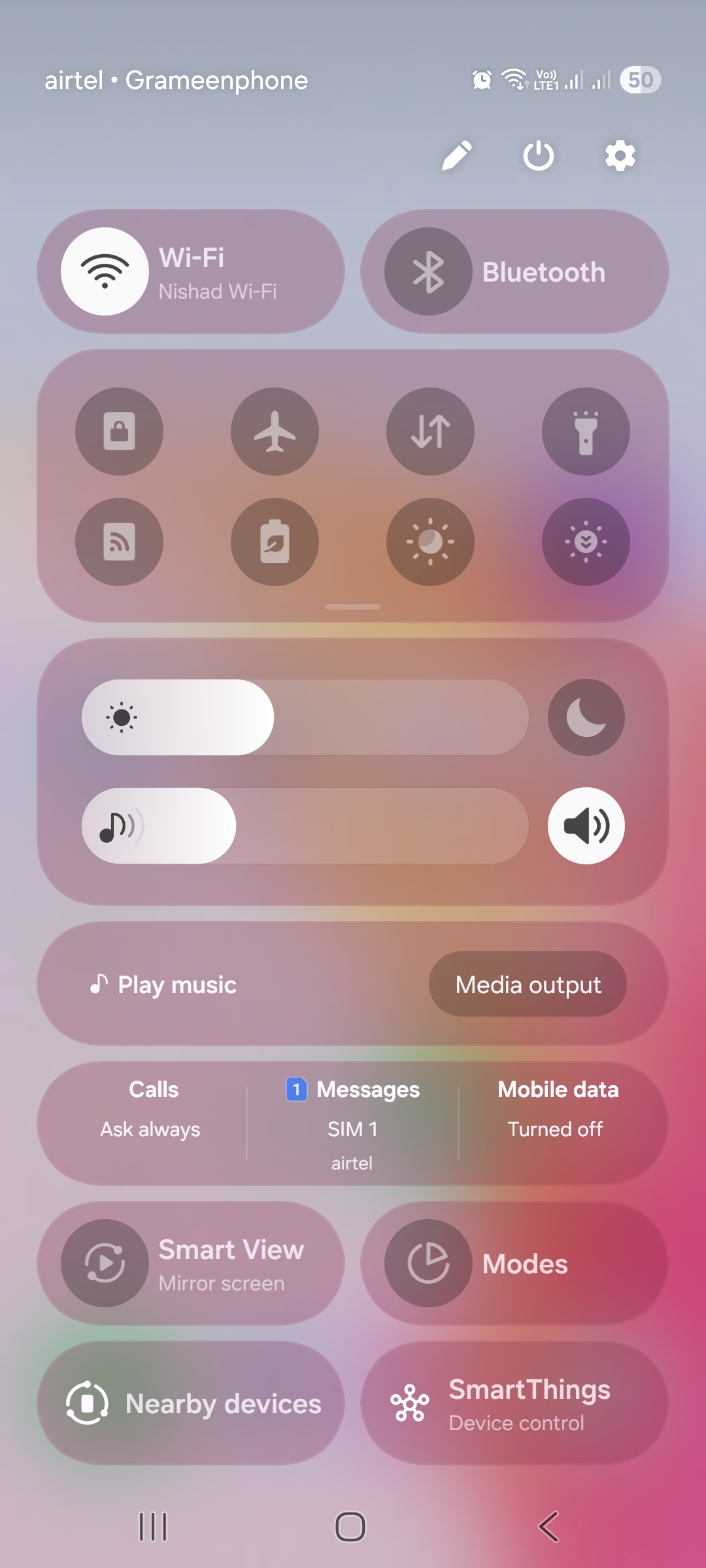
The lock screen gets a live wallpaper effect and a more customisable clock. Samsung's DeX desktop mode gets new window snapping and tiling, and there is a small feature that adds a brief pause when launching apps you choose, designed to reduce mindless opening.
None of these is a reason on its own to install a beta. Together, though, they are the shape of a typical half-step update: the big feature gets the headlines, and the small ones are what you actually notice a month later.
Who can join — and how
The beta is open to owners of three phones only: the Galaxy S26, the Galaxy S26+ and the Galaxy S26 Ultra. The Ultra is the range-topper: a 6.9-inch display, a 200 MP main camera, a 5,000 mAh battery with 60W charging, and Qualcomm's Snapdragon 8 Elite Gen 5 chip in every market. The Galaxy Z Fold 8 and other Galaxy models are not included in this first wave, and Samsung has not said when the programme will reach other models, foldables or markets. More devices should join in the coming months, according to Samsung's own announcements and reporting by SamMobile.
It is also open in six countries only: South Korea, the United States, the United Kingdom, Germany, Poland and India. That is the widest first wave Samsung has opened for a One UI beta, with all six countries included from the start rather than added in stages.
Joining is done through the Samsung Members app, not through the phone's settings. Owners of an eligible phone in one of the six countries open the app, find the One UI 9.5 beta banner, and enrol. Slots are limited, so not everyone who applies will get in. Once enrolled, the update appears in the usual place: Settings, then Software update, then Download and install.
The download itself is large. Early user reports say the beta arrives in two parts: a first update of about 3.6 GB, then a second update of around 540 MB after the phone restarts. You will want a Wi-Fi connection, a charger, and a phone with enough free storage before you begin.
Before you install: back up first
One UI 9.5 is beta software, and Samsung says so plainly. Beta software can contain bugs, behave unexpectedly, drain the battery faster than usual, and in rare cases cause data loss. Samsung's own advice, echoed by every tech site covering the launch, is to back up your phone before installing it.
There is a second warning worth taking seriously. Third-party guides to the beta note that leaving the programme and returning to the stable version of One UI requires a full factory reset of the phone — everything wiped and set up again. That is the standard cost of testing unfinished software, and the reason the beta suits people comfortable with that risk — or with a second phone.
For most Galaxy S26 owners, the sensible choice is to wait. The stable version of One UI 9.5 is expected to debut on the Galaxy S27 series early next year, before reaching the Galaxy S26 and other flagships. The beta is for the impatient and the curious — people who want App Lock and the camera improvements now, and who accept that early software can misbehave.
What is missing — and what comes next
Two features that were rumoured before the launch are not in the beta, at least not yet. The first is "Tap to Share", which would let two Galaxy phones share contact details, links and files simply by tapping them together. The second is a keyboard feature that intelligently cleans up filler words when you dictate text. Both have already been available on Google's Pixel phones for months, and both were expected by Samsung watchers — but neither appears in Samsung's published changelog for the first beta, and PhoneArena reports they may have been delayed.
It is important to be clear about the status of those two features: they were rumoured, they are not confirmed, and they are not in the software Samsung has released. They may arrive in a later beta build — Samsung typically adds more features as a beta progresses — or they may not arrive at all. The full changelog published by SamMobile notes that Samsung will likely add even more features to One UI 9.5 when it debuts on the Galaxy S27 series in early 2027.
One UI 9.5 is not finished, and this beta is its first public step. The stable release will arrive with the next Galaxy flagship, then roll out to the S26 series and other eligible phones.
For now, the story of One UI 9.5 is a simple one. Samsung has finally built the app lock its users have wanted for years, made its camera controls easier to reach, and added two thoughtful tools to its health app. The beta is small — three phones, six countries — but the features in it will eventually reach hundreds of millions of Galaxy phones. If you own a Galaxy S26 in one of the six countries and you do not mind unfinished software, you can try it today. Everyone else can watch, and wait for the finished version to arrive with the Galaxy S27.



Comments (0)
Comments are reviewed before they appear on the site. Your email address is never shown publicly.
No comments yet — be the first to share your thoughts.